Education · 3D learning · Solar System
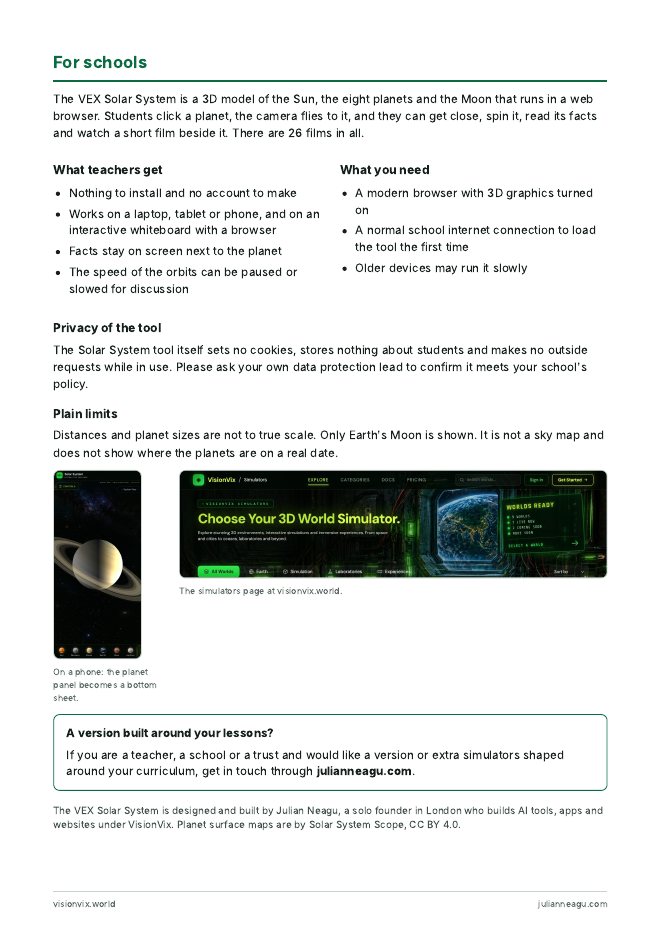
A complete, ready-to-use lesson for the VEX 3D Solar System. A 45 minute plan, five questions, a student worksheet and an answer key. Your class explores real 3D planets in the browser.
Download the PDF (6 pages)Free A4, ready to print. No account needed. Want it on your own page? Embed the Solar System.
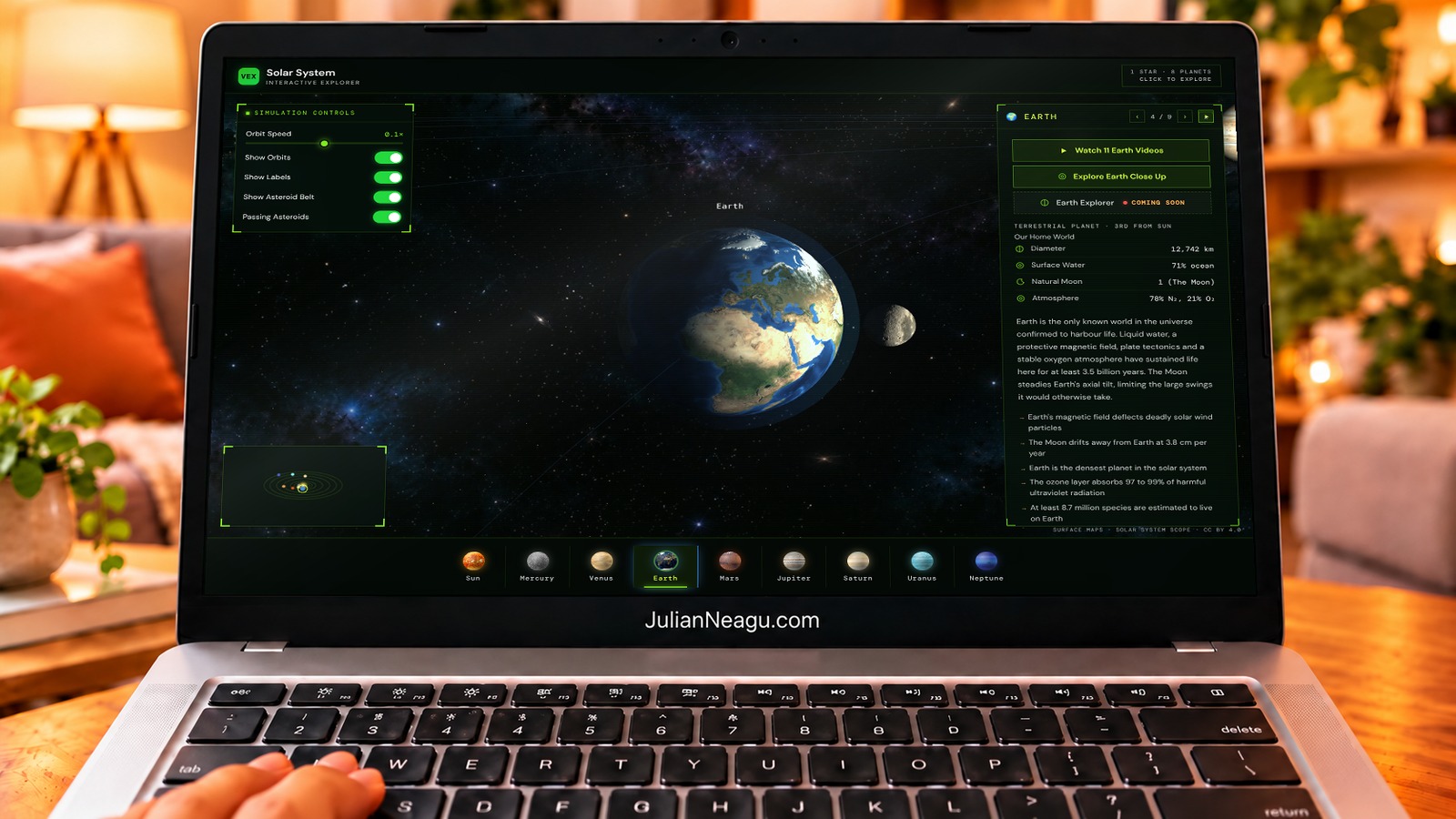
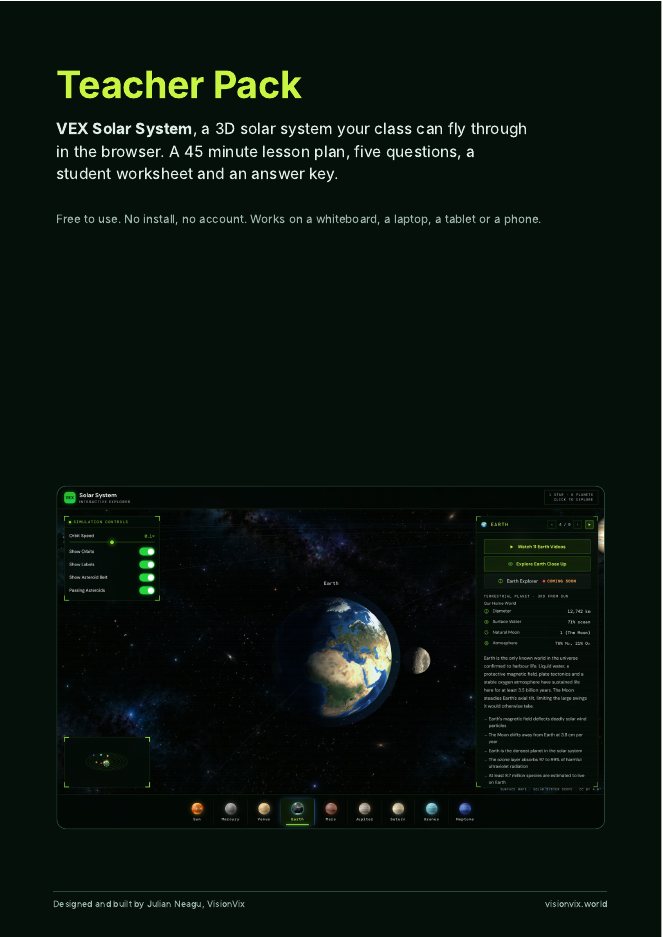
Six ready-to-print pages with everything you need for a 45 minute lesson.
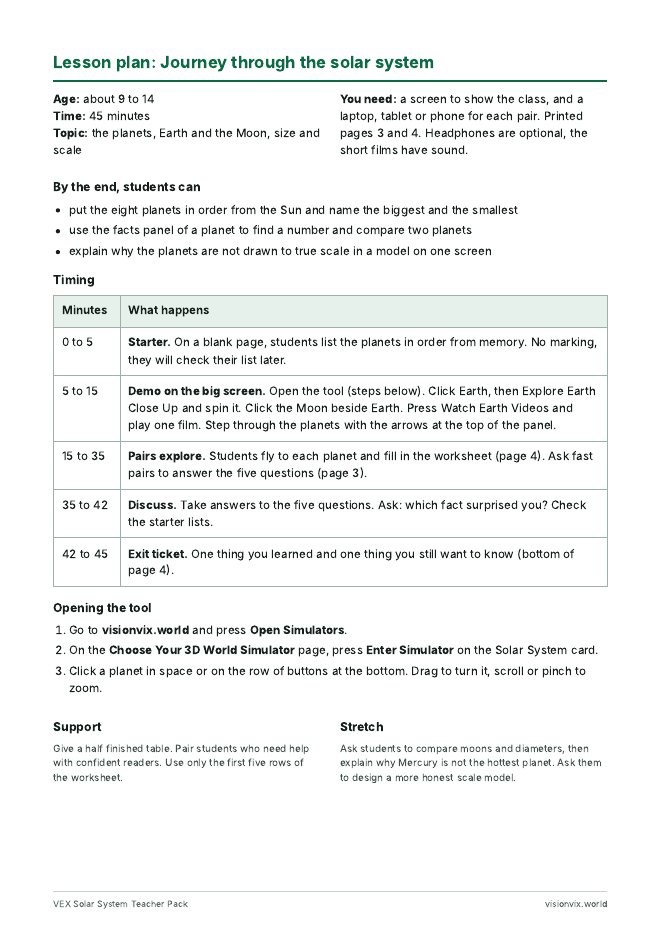
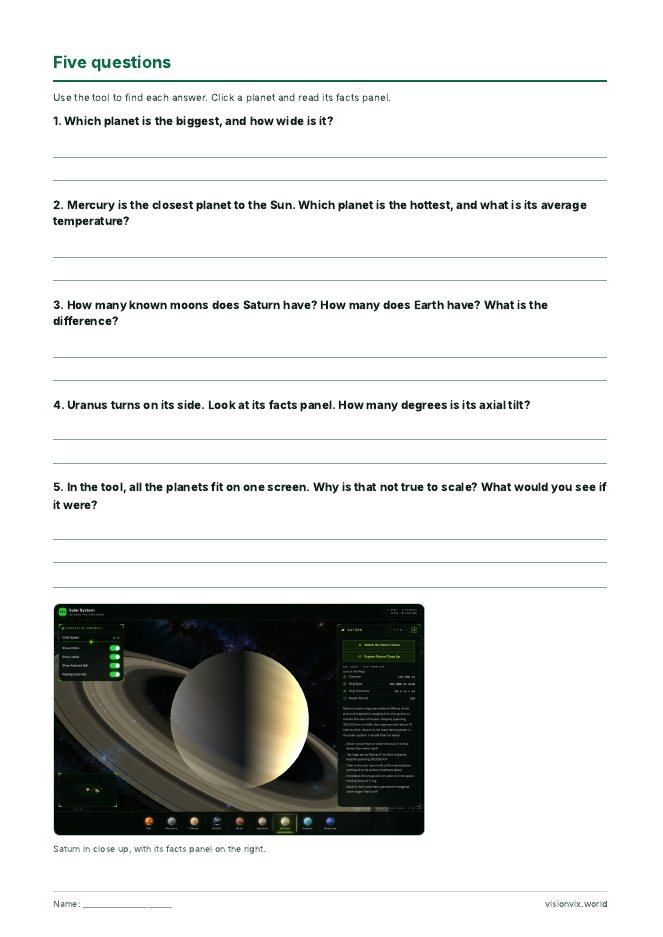
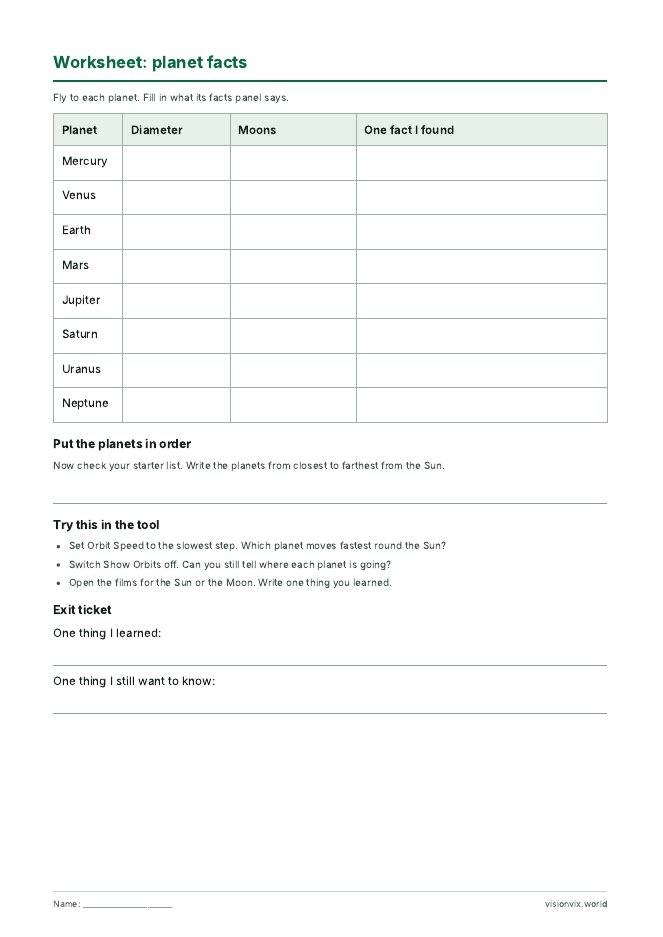
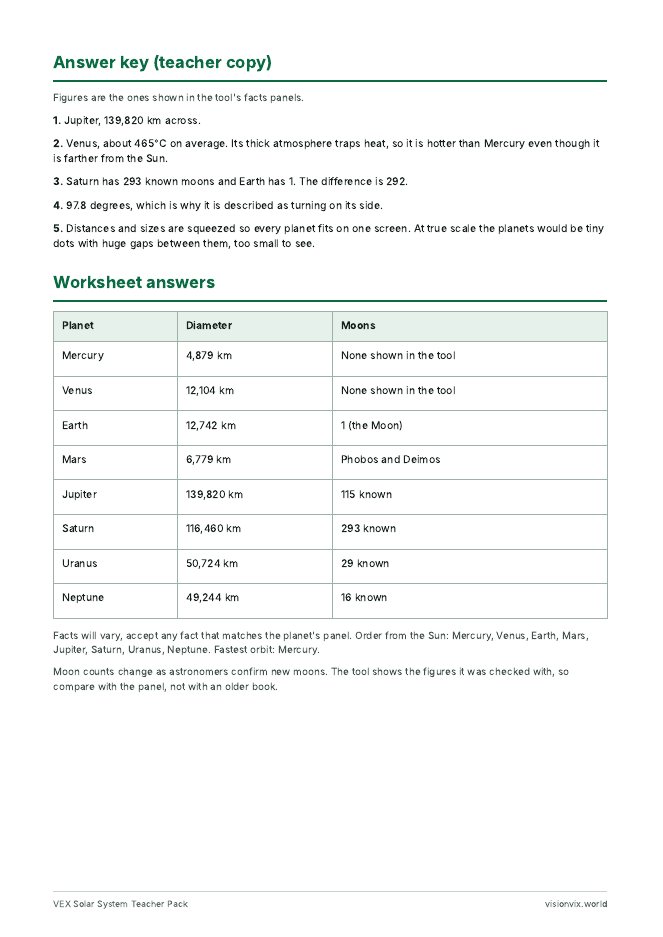
1. CoverObjectives and what you need
2. Lesson planA 45 minute plan for ages 9 to 14, with timings and stretch ideas
3. Five questionsStudents find each answer in the tool, on printable answer lines
4. Student worksheetPlanet facts table, planet order task and an exit ticket
5. Answer keyEvery figure comes from the tool’s own facts panels
6. For schoolsFor schools, with the facts and a way to get in touchPrint the PDF, one worksheet per student. Open visionvix.world, press Open Simulators, then choose Solar System, to check it runs on your classroom screen. Or embed it on your school page.
Follow the lesson plan. Students fly to each planet, read its facts panel and fill in the worksheet and the five questions.
Use the answer key to go through the answers, then set the stretch questions or a short research task.
Distances and planet sizes are not to true scale, so every planet fits on one screen. Only Earth’s Moon is shown, not the moons of other planets. It needs a browser with 3D graphics turned on, and older devices may run it slowly. There are no accounts and no cookies, and nothing is stored about students; please check it against your school’s own policy.
Would you like a version built around your own lessons, or extra simulators? Teachers, schools and trusts can get in touch through julianneagu.com. Packs for the other simulators are planned.