Eye Anatomy in 3D: Parts of the Eye and How We See
The eye is a ball about 2.4 cm across that turns light into signals the brain reads as pictures. Light passes through the cornea and lens and lands on the retina at the back. In the 3D Anatomy simulator you can open the eye and tap each part.
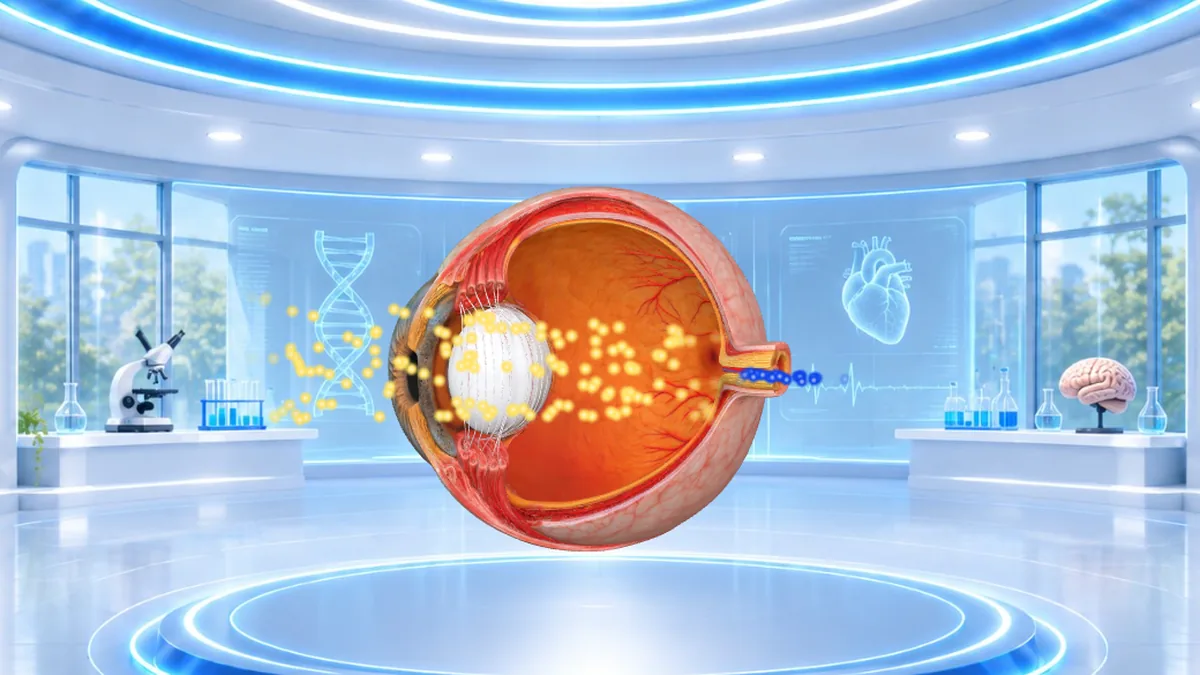 Explore in 3D
Eye quick facts
| Size | About 2.4 cm across |
|---|---|
| Main parts | Cornea, iris, pupil, lens, retina and optic nerve |
| Rods | About 120 million, for dim light |
| Cones | About 6 million, for colour |
| Muscles | Six that move each eye |
Interesting facts about the eye
- The cornea and lens focus light onto the retina at the back of the eye.
- The image on the retina is upside down, and the brain turns it the right way up.
- The iris is the coloured part, and it changes the size of the pupil to let in more or less light.
- Rods work in dim light, while cones see colour and detail.
- The optic nerve carries signals from the eye to the brain.
What you can do in 3D
Open the eye to see it on its own, turn it to see the lens and optic nerve, and tap each part to learn what it does.
More senses in 3D
Tap any part to open its page.
Eye questions
What are the main parts of the eye?
The cornea, iris, pupil, lens, retina and optic nerve.
How does the eye see?
Light passes through the cornea and lens, which focus it onto the retina. The retina turns light into signals that travel along the optic nerve to the brain.
What does the iris do?
The iris is the coloured ring that controls the size of the pupil, letting in more light in the dark and less in bright light.
What are rods and cones?
Light-sensing cells in the retina. Rods work in dim light and cones see colour and fine detail.
Is the image in the eye upside down?
Yes. The lens flips the image on the retina, and the brain turns it the right way up.
The 3D Anatomy simulator is made by Julian Neagu, a solo founder in London, as part of VisionVix Simulators. It is free to use in the browser on desktop and phone, with no sign-up. This page is for learning and is not medical advice.